No Asteroids Custom Asteroids: How the 1.0.9 Beta Works
No Asteroids Custom Asteroids arrived in 1.0.9. Here is how to import a GLB, GLTF, OBJ or STL rock, what rock.json controls, and what the beta cannot do yet.
Custom Asteroids is a beta feature that arrived with patch 1.0.9 on 27 November 2026. It lets you take a 3D model made in another program, bring it into No Asteroids as a mineable asteroid, and play it in its own save. This page covers what the beta accepts, the order of steps, what rock.json actually controls, and the parts that are still missing.
What are Custom Asteroids in No Asteroids?
Custom Asteroids are player-supplied rock models that replace the campaign asteroid for a session. You open Mods, choose New asteroid, load a model file, describe how it should look and behave, and the game builds a mineable body from it.
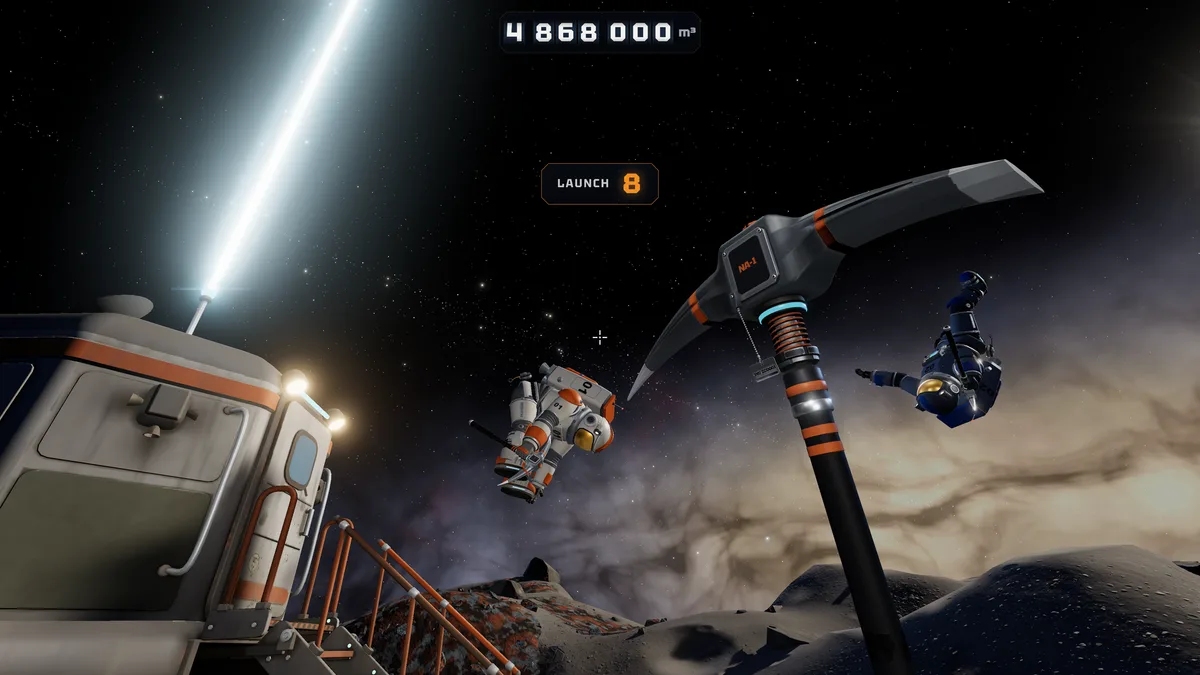
The important design decision is the save separation. A custom asteroid does not overwrite or attach to your campaign save — it starts its own. That means four things follow automatically:
- Your 90-day contract, day counter and ore wallet are untouched.
- You can test a broken model without risking a run you care about.
- Progress on a custom rock does not feed the campaign, and campaign progress does not carry in.
- Two people with the same model file still have separate local saves.
If you were hoping to swap the campaign rock for a duck-shaped model of your own, that is not what the beta does. It is a sandbox, not a campaign modifier.
How do you load your own asteroid?
The flow is short enough to describe exactly. The parts that vary are all in the model and the JSON, not the menu.
- Export your model from Blender or whatever tool you use, as GLB, GLTF, OBJ or STL. GLB is the safest choice if you have it, because it carries textures inside a single file.
- Open the Mods menu in game and choose New asteroid.
- Load the model file from disk. If the game rejects it, the usual causes are an unsupported extension, a model with no faces, or a scale so large or small that it lands outside the playable range.
- Set the identity: name, size and appearance. These are the fields the menu exposes directly, so you do not need to edit anything by hand to get a working rock.
- Edit rock.json if you want the rock to behave like an asteroid rather than a lump of geometry. This is where materials, hardness, layers and deposits live.
- Start a new save for that asteroid. The beta keeps it separate from the campaign by design.
Steps 1 to 4 will get you a rock you can fly to and hit. Step 5 is what makes it worth mining.
Which model formats does the beta accept?
| Format | Supported in 1.0.9 | Practical note |
|---|---|---|
| GLB | Yes | Binary glTF, textures bundled in one file — the least error-prone option |
| GLTF | Yes | Text-based glTF; keep the .bin and texture files in the same folder as the .gltf |
| OBJ | Yes | Geometry only in most exports; expect to assign materials through rock.json |
| STL | Yes | Geometry only, no material or colour data at all; fine for testing shape and scale |
| FBX | Not listed | No confirmation either way; do not assume it loads |
| Blender .blend | Not listed | Export to GLB instead |
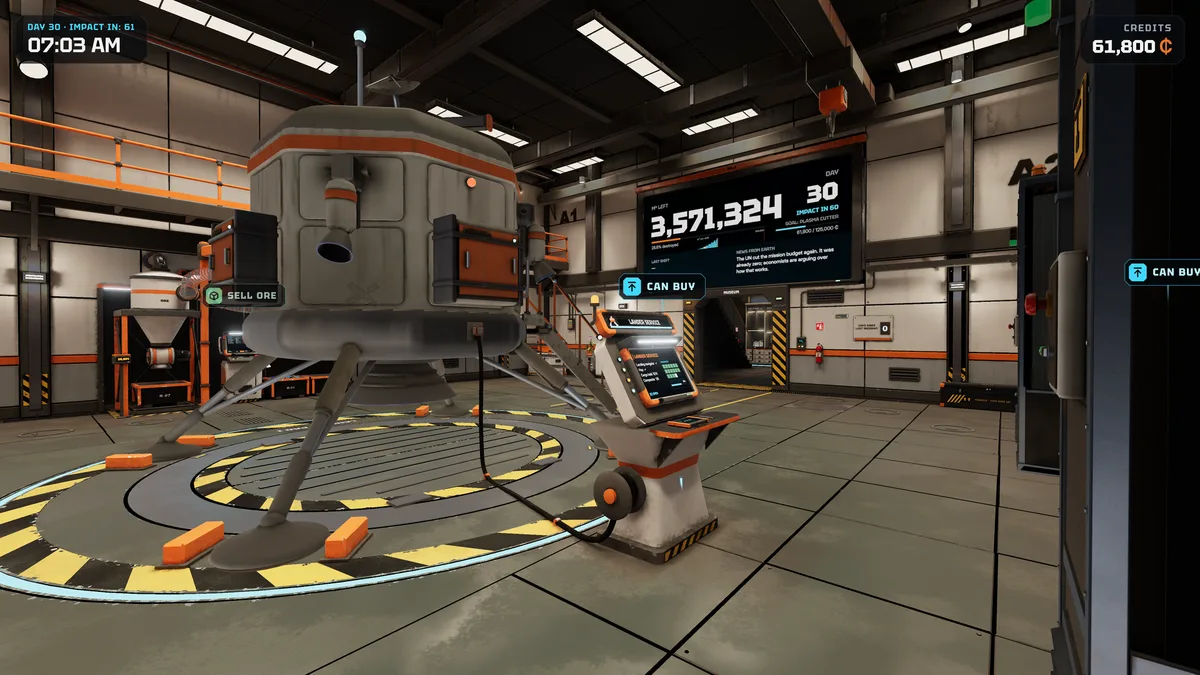
The pattern is that the two glTF variants bring their own material data and the two older formats do not. If your only goal is to see whether a shape is fun to mine, STL is the fastest path. If you want a rock that looks like the game’s own, GLB plus a hand-written rock.json is the combination that gets you closest.
File size is not documented. The campaign rock is a single large body with a lot of internal structure, so a very dense model is the obvious place to expect problems; keep the mesh reasonable and test before adding detail.
What can you change in rock.json?
The JSON file is where a custom asteroid stops being a shape and starts being a rock. It supports up to 16 custom materials, and each material carries four properties that map onto things the campaign already does.
| Property | What it controls | Campaign equivalent |
|---|---|---|
| Texture | The surface look of that material | The visual banding you see on the campaign asteroid |
| Hardness | How much work a hit takes to break through | Rock getting harder with depth |
| Layer | Which depth band the material occupies | Surface rock, deep rock, core |
| Mineral deposits | Which ore spawns inside that material | Veins of Spice, Meteorion Iron, Gold and the rest |
Sixteen materials is a lot for one rock. A practical layout is four to six layers of increasing hardness with one or two ore-bearing materials inside each, which is roughly how the campaign rock is built. If you want the reasoning behind that structure, our asteroid layers page explains why depth and value are tied together, and it applies directly to what you write in the file.
Two cautions. First, rock.json is a text file, so a single missing comma can stop the asteroid loading; keep a copy of a working file before you edit. Second, the four properties above are the ones the 1.0.9 notes describe. Anything else the file might accept — gravity, ambient light, spawn rules — has not been documented, and guessing at key names is the fastest way to a silent failure.
What are the four included asteroids for?
The build ships with four example asteroids, and they are best treated as reference material rather than content. Loading one tells you what a working rock looks like, what scale the game expects, and how a rock.json that parses correctly is laid out.
Unruled Games has not published a breakdown of what each of the four contains, so there is no reliable list of which ores or hazards they hold. If you are testing a tool build and want a controlled comparison, use the same example rock twice rather than switching between them.
The examples are also the safe answer to the most common first question: if your own model will not load, open an included asteroid first. If that works, the problem is your file. If it does not, the problem is the install.
Why are custom asteroids kept in separate saves?
Because a custom rock is not part of the contract, and mixing the two would undermine the 90-day clock. The separate save is the mechanism that keeps a sandbox from becoming a cheat.
Consider what a custom asteroid could otherwise do. If you could load a rock with 16 materials all set to the softest hardness and stuffed with high-value ore, you would have a money printer attached to a campaign that is scored by completion day and time. The leaderboards added in the same patch track exactly those numbers. Separate saves are what stop a custom rock from touching them.
The practical consequence for you: anything you learn on a custom asteroid — a charge pattern, a route, a tool combination — transfers as knowledge, not as progress. You will still need to earn the tools again in the campaign.
What does the beta not do yet?
Three gaps are clear from the 1.0.9 notes, and one is an open question.
No Steam Workshop integration. There is no subscribe-and-download pipeline. Sharing a rock means sending someone the model file and the rock.json, and both of you loading it locally. No upload, no ratings, no versioning.
No campaign use. Covered above: custom asteroids live in their own saves.
No documented co-op behaviour for custom rocks. Co-op in No Asteroids joins the host’s save, so a host running a custom asteroid is the plausible case, but nothing published confirms how guests receive the model. Test it with someone you can afford to disconnect.
No achievement hooks. Nothing in the 1.0.9 notes ties custom asteroids to the 65-achievement list. The separate-save design points the same way, so do not plan an unlock around a custom rock.
There is also no published statement on when the beta ends or what the full version will add. That is consistent with the rest of the game’s communication: no roadmap exists for any part of No Asteroids.
Is it worth building a custom asteroid?
Yes, if you enjoy the making as much as the mining. The beta is a genuine content tool, not a photo mode — a rock with thought-out layers and deposits plays differently from the campaign one, and a deliberately cruel design (hard shell, thin air pockets, dense core) is a good way to practise routes without burning campaign days.
It is not worth it if you want new campaign content. There is no new ore, no new hazard and no new contract here; the same eight-plus minerals and the same gas, Antimatter and Strange Matter rules apply inside your model. The sector map page explains what the campaign actually offers in the way of variety, and the honest summary is that a custom rock rearranges familiar pieces rather than adding new ones.
Start with an included example before you open your modelling software. Getting one successful load — any load — is worth more than an hour of polishing a model the game will not accept. From there, the fastest improvement is not visual: it is a rock.json with a clear hardness gradient, because that is the property you feel on every swing.
If you want the full context of what changed alongside this feature, the patch notes cover 1.0.9 and the eight versions before it. If you are still deciding whether to buy, the release and demo page sets out what the free 15-day demo includes — and note that custom asteroids are a full-game feature, so the demo is not the place to try them.
Gallery
FAQ
What file formats do No Asteroids custom asteroids support?
Do custom asteroids work in the campaign?
Is there Steam Workshop support for custom asteroids?
How many materials can a custom asteroid have?
Do custom asteroids count toward achievements?
Related Articles
mining
No Asteroids Sector Map and Contracts Explained
What the No Asteroids sector map shows, how the main contract differs from later ones, and why the game is one asteroid at a time rather than a level list.
updates
No Asteroids Patch Notes: Every Update Since Launch
All nine No Asteroids updates from launch on 24 November to 1.0.9, dated, with the changes that alter mining, selling, co-op and New Game Plus.
updates
No Asteroids Release, Price and Demo: What You Get
No Asteroids is out now on Steam at $7.99 with a free 15-day demo. Here is what the full game, the demo and the system requirements actually include.
Was this helpful?
Thanks for the feedback!